
Rising Throne

Brands3D money visualiser

Money Visualiser

See what money really looks like.

Enter an amount and watch it take shape as 3D stacks of notes, bars or coins, across 82 currencies, 19 metals and around 80 cryptocurrencies. In your browser now, beside the prices you shop for, and soon on your phone.

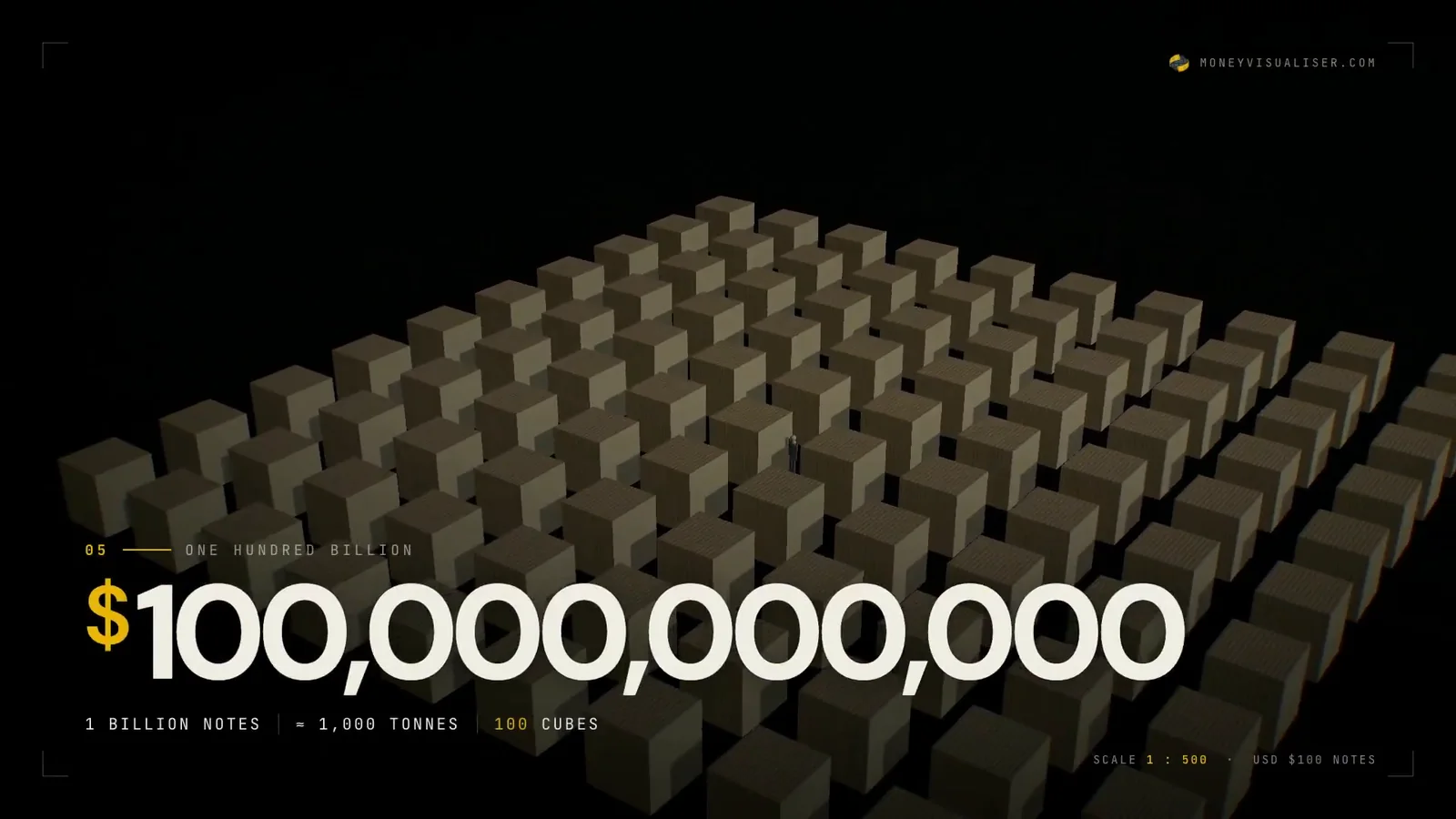
From a single $100 note to $100 billion: a thousand tonnes of paper in a hundred cubes.
Read the on-screen text

Every line that appears in the film, in order.

  1. What does a billion dollars actually look like?
  2. One note. $100. One note, 156 × 66 mm, about 1 g.
  3. One strap. $10,000. 100 notes, about 100 g, 1.09 cm tall.
  4. One million. $1,000,000. 10,000 notes, about 10 kg. Fits in a backpack.
  5. One billion. $1,000,000,000.
  6. One hundred billion. $100,000,000,000. 1 billion notes, about 1,000 tonnes, 100 cubes.
  7. 82 currencies. Same $10,000. Different stack. US dollars, Japanese yen, Vietnamese dong and Indonesian rupiah, $10,000 each at recent exchange rates.
  8. Not just cash. Gold. Silver. Crypto. Precious metals, top cryptocurrencies, live prices.
  9. In your browser. Type any amount. See it in 3D. 82 currencies, live rates, 6 environments, 7 languages, free, no sign-up.
  10. Money Visualiser. See the difference. moneyvisualiser.com. Free, no sign-up, runs in any browser.

Three ways to use it

moneyvisualiser.com

In the browser

Live

Single and compare modes, six environments and six display surfaces, from a pallet to a vault tower. Switch between notes, metal bars and coins, add a human figure for scale, and share a link that keeps every setting.

Rate history reaches back five years for 30 major currencies, and the same scene can be embedded on another site.
Open moneyvisualiser.com
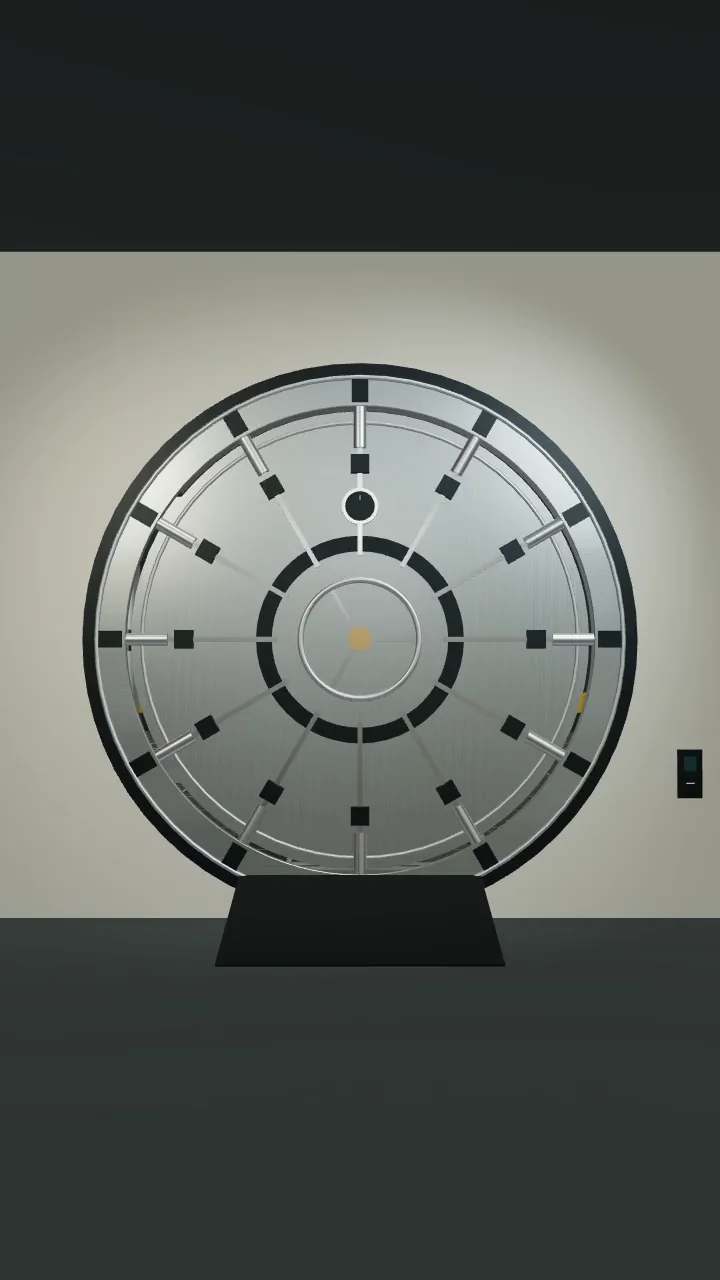
Compare mode in the Gold Vault, and the converter that opens it.

App Store and Google Play

On iPhone and Android

Coming soon

The app opens in the Gold Vault. Choose Simple mode or Finance and Crypto mode, enter an amount, and the scene renders natively on the phone. Orbit with one finger, pinch to zoom, pan with two, and double-tap to reset.

Scenes save on the device, any view becomes a share card, and home-screen widgets in three sizes keep a conversion one glance away.

Pre-release builds. Play the clip to walk through the vault door.

Chrome Web Store

While you shop

Live

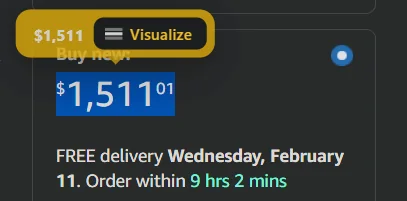
Money Visualiser Assistant is a Chrome extension. Select a price on any page and a Visualize button appears beside it; one click opens that amount as a stack, in Chrome’s side panel or a new tab. On Google Search it adds the physical stack below the currency converter.

Prices, page content and addresses never leave your browser, and your settings stay on your device.

Add to Chrome
A $1,511.01 price on an Amazon product page, selected, with the Visualize button beside it.
The Visualize button on an Amazon listing.

The story

Most people have never seen a million of anything. Money Visualiser turns an amount into a physical object you can walk around: notes bound into straps of 100 and bricks of 1,000, the way banks bundle them, set in a gold vault, a warehouse, on an aircraft carrier or across a football field.

Every currency carries its real denominations and note dimensions, sourced from the banks that issue them. Rates come through a five-step fallback that ends in a stored copy, so a stack still renders when one source goes quiet.

It runs in any modern browser with nothing to install and no account. A Chrome extension brings the same sense of scale to prices on the pages you already read, and the phone app is being built from the same catalog, checked for parity on every change.

Money Visualiser in the news

  1. Money Visualiser

    A first look at Money Visualiser for iPhone and Android

    The redesigned mobile app brings native 3D scenes, saved views, share cards and home-screen widgets.